
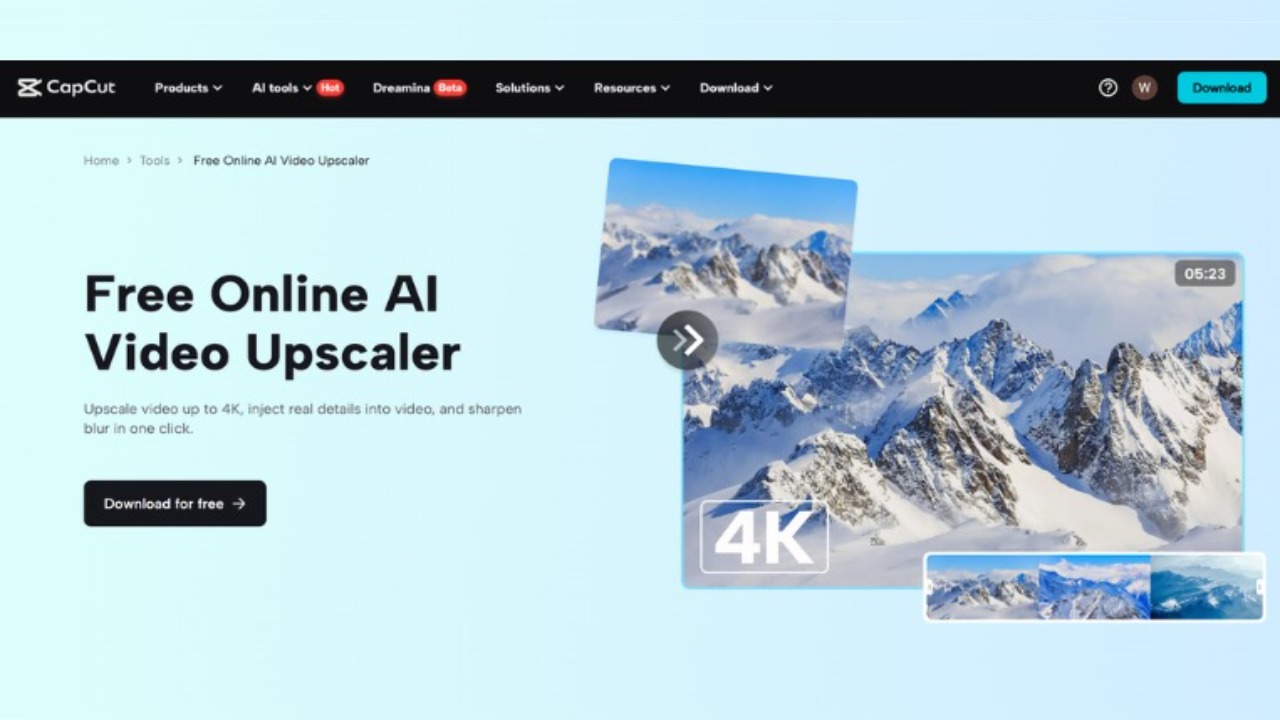


AI Video Upscaling: The Easy Way to Improve Old Videos
Have you ever watched an old video and wished it looked clearer or sharper? Maybe you have old footage from a vacation, a family event, or even from your early days of filming, but the quality just isn’t as great as it should be. Well, there’s good news! With AI video upscaling, you can improve the quality of these videos without needing to be an expert in video editing.
Thanks to advancements in artificial intelligence (AI), tools are now available to help anyone—whether you’re a professional video creator or just someone wanting to fix old memories—transform low-resolution videos into high-quality visuals. AI upscaling works by analyzing your video, identifying low-quality parts, and using algorithms to add details and improve resolution.
What is AI Video Upscaling?
AI video upscaling is a technique that uses artificial intelligence to make low-resolution videos look sharper and clearer. It works by analyzing the pixels in a video and using deep learning algorithms to predict what higher-quality pixels should look like. This allows the AI to create new pixels and details, improving the video’s overall quality.
One of the main reasons people use CapCut's AI video upscaler is that it helps turn old or blurry videos into clearer versions. It’s like giving your old videos a new life. This method is super useful for anyone who wants to make old footage look better but doesn’t have the skills or time to manually edit each frame.
Why Should You Use AI Video Upscaling?
There are several reasons why you should consider using AI video upscaling for your videos.
-
Improved Visual Quality: The most obvious benefit is improved visual quality. Whether it’s a low-resolution video shot on an old phone or a video from a vintage camera, AI upscaling can make the video clearer, sharper, and more visually appealing.
-
Saves Time: Instead of spending hours manually enhancing each frame of a video, AI tools do heavy lifting for you. You can upscale a video in a matter of minutes.
-
Cost-Effective: High-quality video editing software can be expensive, but with AI tools, you don’t need to break the bank to get good results. Many AI video upscalers are affordable or even free to use.
Also, did you know AI tools aren’t just for improving video quality? If you need a voiceover for your video, an AI voice generator can help you create natural-sounding speech for your content. It’s perfect if you want to add narration to your videos but don’t have the time or resources to record it yourself.
How Does AI Video Upscaling Work?
AI video upscaling is all about using deep learning to improve the resolution of a video. The process is pretty simple once you understand it. AI programs first analyze the low-resolution video and then use neural networks to fill in the missing details. These networks “learn” from millions of videos and images, allowing them to make educated guesses about what the higher-resolution version of the video should look like.
Once the AI has upscaled the video, it can be saved in a higher resolution, like 1080p or even 4K. This means that old footage can now be enjoyed on modern screens without losing quality. Whether you’re editing an old home video or old footage for a professional project, AI upscaling can save the day.
How to Use CapCut's AI Video Upscaler
Now that you understand what AI video upscaling is and why it’s so helpful, let’s walk through how to use CapCut’s AI video upscaler to improve your own videos. CapCut is a popular, easy-to-use video editing tool that offers a powerful AI upscaling feature. Here’s how you can use it:
Step 1: Import Video
The first thing you’ll need to do is import the video you want to improve. Open CapCut on your desktop, and click on the “Import” button. Find the video on your computer and add it to your CapCut workspace.

Step 2: Use AI Video Upscaler
Once your video is in CapCut, it’s time to enhance it. Simply select the “Enhance image” option from the Video > Basic menu. CapCut will automatically begin analyzing your video and enhancing the resolution. This process usually takes only a few minutes, depending on the length of your video.

Step 3: Export Video
After the AI has upscaled your video, you can preview it to make sure it looks the way you want. Once you’re happy with the results, click the “Export” button to save your newly enhanced video. You can now share your improved video on social media, upload it to YouTube, or just keep it as a memory.

More AI Tools to Enhance Your Videos
CapCut’s AI video upscaling tool isn’t the only AI feature that can help improve your videos. If you need to add voiceovers, CapCut also offers an upsAI voice generator. This tool lets you convert text into natural-sounding speech, so you can easily add narration to your videos without recording your own voice. Whether you need a professional-sounding voiceover for a tutorial or just want to add some dialogue to your video, an AI voice generator can do the job quickly and effectively.
For those looking to take their videos even further, there’s also the text to speech AI tool. With this tool, you can instantly convert written text into speech, perfect for creating content that’s both informative and engaging. Whether you want to add subtitles or narrate your video, text to speech AI can help make your videos stand out.
Conclusion
AI video upscaling is a game-changer for anyone who wants to improve the quality of their videos without spending hours on manual editing. Whether you're a hobbyist or a professional creator, AI tools like CapCut’s AI video upscaler can help you get better results in less time.
By following the simple steps—importing your video, applying the AI upscaling tool, and exporting the enhanced video—you can quickly and easily turn your old videos into high-quality content. Plus, don’t forget about the other amazing AI tools, like the AI voice generator and text to speech AI, which can take your videos to the next level.
So, why wait? Start using AI today and make your old videos look better than ever before!
Read Also: Nida Yasir Enjoys Vacation in Scenic Nice, France
'%3e%3crect%20y='0.445312'%20width='48'%20height='48'%20rx='24'%20fill='white'%20fill-opacity='0.5'/%3e%3crect%20x='0.5'%20y='0.945312'%20width='47'%20height='47'%20rx='23.5'%20stroke='%23808080'/%3e%3cpath%20d='M34.625%2024.4453L14%2024.4453'%20stroke='%23808080'%20stroke-width='0.920053'/%3e%3cpath%20d='M23.375%2034.4453L13.375%2024.4453L23.375%2014.4453'%20stroke='%23808080'%20stroke-width='0.920053'/%3e%3c/g%3e%3cdefs%3e%3cfilter%20id='filter0_b_489_44344'%20x='-12'%20y='-11.5547'%20width='72'%20height='72'%20filterUnits='userSpaceOnUse'%20color-interpolation-filters='sRGB'%3e%3cfeFlood%20flood-opacity='0'%20result='BackgroundImageFix'/%3e%3cfeGaussianBlur%20in='BackgroundImageFix'%20stdDeviation='6'/%3e%3cfeComposite%20in2='SourceAlpha'%20operator='in'%20result='effect1_backgroundBlur_489_44344'/%3e%3cfeBlend%20mode='normal'%20in='SourceGraphic'%20in2='effect1_backgroundBlur_489_44344'%20result='shape'/%3e%3c/filter%3e%3c/defs%3e%3c/svg%3e)
'%3e%3crect%20y='0.445312'%20width='48'%20height='48'%20rx='24'%20fill='white'%20fill-opacity='0.5'/%3e%3crect%20x='0.5'%20y='0.945312'%20width='47'%20height='47'%20rx='23.5'%20stroke='%23808080'/%3e%3cpath%20d='M13.375%2024.4453L34%2024.4453'%20stroke='%23808080'%20stroke-width='0.920053'/%3e%3cpath%20d='M24.625%2014.4453L34.625%2024.4453L24.625%2034.4453'%20stroke='%23808080'%20stroke-width='0.920053'/%3e%3c/g%3e%3cdefs%3e%3cfilter%20id='filter0_b_489_44344'%20x='-12'%20y='-11.5547'%20width='72'%20height='72'%20filterUnits='userSpaceOnUse'%20color-interpolation-filters='sRGB'%3e%3cfeFlood%20flood-opacity='0'%20result='BackgroundImageFix'/%3e%3cfeGaussianBlur%20in='BackgroundImageFix'%20stdDeviation='6'/%3e%3cfeComposite%20in2='SourceAlpha'%20operator='in'%20result='effect1_backgroundBlur_489_44344'/%3e%3cfeBlend%20mode='normal'%20in='SourceGraphic'%20in2='effect1_backgroundBlur_489_44344'%20result='shape'/%3e%3c/filter%3e%3c/defs%3e%3c/svg%3e)